Microsoft 365 Support in Toronto
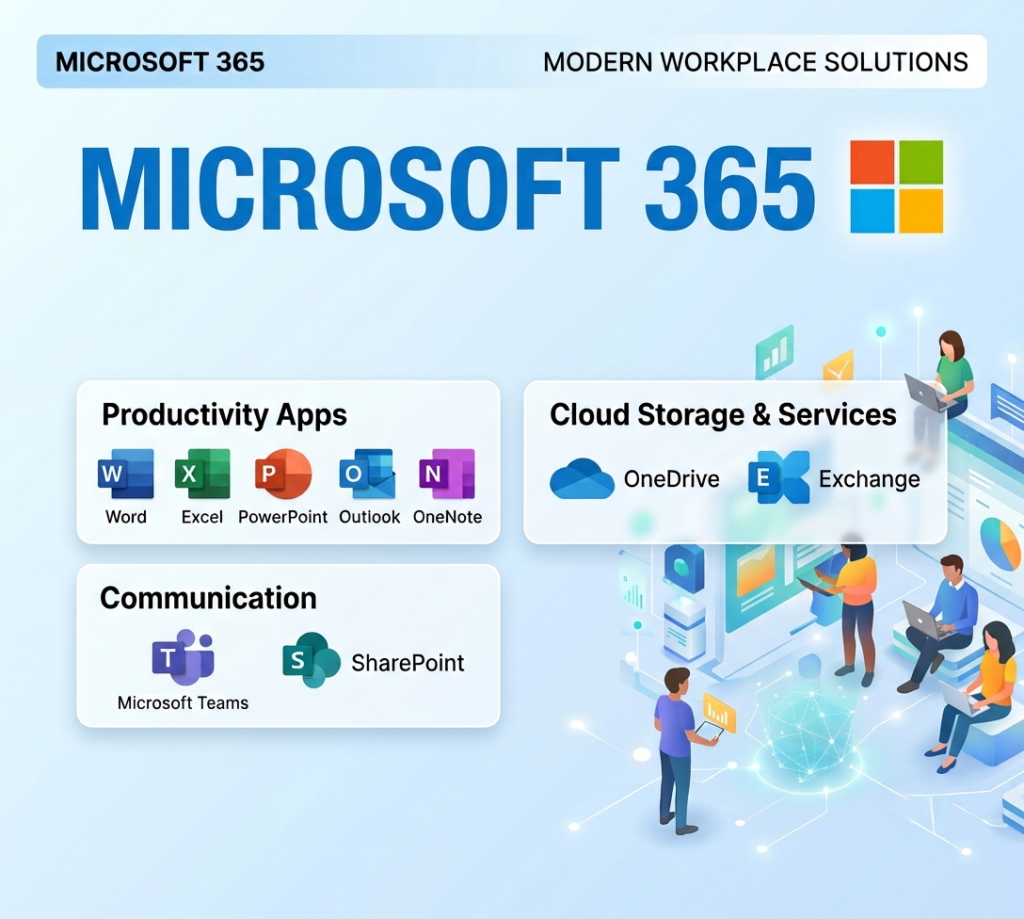
BA Consulting delivers Microsoft 365 support for Toronto businesses from initial migration and setup through ongoing management of email, Teams, SharePoint, and everything else Microsoft 365 includes. As a Microsoft Partner with certified engineers, we handle the platform end-to-end.
Whether you’re moving to Microsoft 365 for the first time, migrating from Google Workspace, or just needing better ongoing support for the environment you already have, we can help.
Contact Us
Why Toronto Businesses Choose BA Consulting for Microsoft 365 Support
Microsoft 365 support is not just fixing what breaks. It is designing an environment that matches how your team actually works, then keeping it that way as Microsoft changes things underneath you. Toronto businesses choose BA Consulting because we combine real Microsoft expertise with a level of accountability that is hard to get from a national call center.
- Microsoft Partner and CompTIA Security+ certified, so the people configuring your environment are verified, not just experienced
- 500+ GTA businesses currently supported, many of them for years at a time
- Toronto based since 2006, with technicians who can be onsite the same day for anything urgent
Our Microsoft 365 Support Services
We handle the move to Microsoft 365 for businesses coming from an old onsite server, Google Workspace, or a Microsoft 365 tenant that was never set up properly. Our migration and setup work covers:
Mailbox, calendar, and file migration, with a pilot group tested before the full cutover
Teams, SharePoint, and OneDrive configuration built around how your departments actually share files
Setup and account configuration for new offices and new hires across Toronto, Brampton, Mississauga, Vaughan, and Markham
Ongoing monitoring and support once the migration is done, not a handoff to someone else
Whether you are moving off an aging server or fixing a setup that was rushed the first time, we confirm every mailbox and shared file arrived intact before we call it finished.
Microsoft Azure Migrations and Support
Some Toronto businesses need more than Microsoft 365. If your team runs virtual machines, hybrid identity, or line of business applications that belong in the cloud rather than on an aging server, we support that too:
Azure migration planning for workloads moving off physical servers
Virtual machines, storage, and networking configured for how your applications actually run
Backup and disaster recovery built into the Azure environment from day one
Ongoing cost management so your Azure bill matches what you are actually using
We manage Azure alongside your Microsoft 365 environment, so one Microsoft Partner is responsible for both instead of two vendors pointing at each other.
Microsoft 365 Security
Microsoft 365 comes with strong security tools, but only if someone configures and monitors them. As part of our Microsoft 365 support, we manage:
Multifactor authentication and conditional access policies
Microsoft Defender for Office 365 and endpoint protection
Email filtering and phishing protection
Compliance settings aligned to PIPEDA for regulated clients in law, healthcare, and financial services
We build security in from the setup stage rather than adding it after something goes wrong. If you want a clear picture of where your current environment stands, ask about a Microsoft 365 security assessment when you call.
Microsoft 365 Licensing and Cost Management
License costs on Microsoft 365 climb quietly when nobody reviews them. We handle:
An annual review of your license mix across Business Basic, Business Standard, Business Premium, and E3 or E5
Removing unused seats and correcting mismatched license tiers
Matching license tiers to what each employee actually needs, not a default assignment
Flagging when Copilot or other add ons are worth the cost for your team
A clean license setup makes every other part of your Microsoft 365 environment, including Copilot, work better.
Microsoft Copilot Setup, Integration, and Training
Copilot is only useful if your team knows where it fits and your data is safe to use it on. We provide:
SharePoint and OneDrive permission cleanup before rollout, so Copilot is not surfacing files it should not
Licensing guidance on which Copilot plan actually matches your team size and use case
Hands on training so staff know where Copilot helps in Outlook, Teams, and Word rather than guessin
Usage guidelines that keep sensitive data out of prompts your organization has not approved
We treat Copilot as a tool that needs setup and training, not a switch you flip on and hope for the best.
Local Microsoft 365 Support for Toronto Businesses
As a Toronto based provider, we see the same pattern across the GTA: growing businesses outgrow whatever Microsoft 365 setup they started with, and nonprofits are left managing licensing on their own. We work most often with:
Small and mid sized businesses across Toronto, Mississauga, and Brampton
Professional services firms with compliance requirements
Nonprofits and other regulated organizations
Businesses that want a technician who answers the phone, not a ticket queue
If that sounds like your organization, call (647) 350 6222 or ask for a free Microsoft 365 assessment. We will tell you exactly what we find.
Get Microsoft 365 Working the Way It Should
Call our Toronto team for a free assessment, or fill out the form and we will get back to you the same business day.
Frequently Asked Questions
A full migration includes planning, a pilot move for a small user group, the full mailbox and file transfer, DNS and mail routing cutover, and post migration checks to confirm every mailbox, calendar, and shared file arrived intact.
If your business handles sensitive data, client records, financial information, healthcare data, legal work, Business Premium is our default recommendation. It includes MFA enforcement, endpoint management, and threat protection that meet most cyber insurance requirements.
Straightforward migrations for smaller teams take a few weeks. Larger organizations with SharePoint, integrations, and custom setups take longer. Very complex environments can take a few months. We provide realistic timelines after assessment.
Yes. Microsoft's own documentation says they're not responsible for backing up your data. If a user deletes a folder or ransomware encrypts your OneDrive, Microsoft won't recover it beyond their limited retention windows. Third-party Microsoft 365 backup is essential.
Yes; these migrations are common. The timeline is similar to Exchange migrations. Users typically adjust to Outlook within a week or two.
Yes; across the entire GTA (Mississauga, Brampton, Vaughan, Markham, Richmond Hill, Oakville, Hamilton) and remote support anywhere in Canada.
Teams Calling can replace a traditional PBX for many businesses. We handle direct routing, number porting, phone provisioning, and integration. See our VoIP services page for more